Live Camera Browsing
Browse Toronto traffic cameras in both map and list views, then jump to the intersections that matter most.

Live Toronto traffic cameras for faster commute decisions.
Check cameras fast with map and list browsing, then jump into routes, favorites, and full-screen views when you need them.
Camera coverage is currently Toronto-focused. Real-time visibility depends on source camera availability and update cadence.

Quick camera discovery and repeatable monitoring workflows for Toronto drivers.
Browse Toronto traffic cameras in both map and list views, then jump to the intersections that matter most.
Find relevant cameras quickly using focused search and filters built for repeat commute checks.
Open a larger live camera view, refresh manually, and switch into immersive full-screen monitoring.
Use built-in route groupings for common corridors or create custom routes that match your daily patterns.
Star key cameras for fast return access and cut noise during frequent morning and evening checks.
Keep free-tier favorites, route groupings, and key preferences available across eligible Apple devices.
Keep a live camera visible while using other apps on supported iOS devices.
Tune defaults and viewing behavior so 6Traffic matches how you monitor traffic day to day.
Refresh camera availability when updated data is discoverable to keep Toronto coverage current.
Use 6Traffic in English, Spanish, French, German, Japanese, Korean, Simplified Chinese, Traditional Chinese, Brazilian Portuguese, Italian, Hindi, and Bengali.

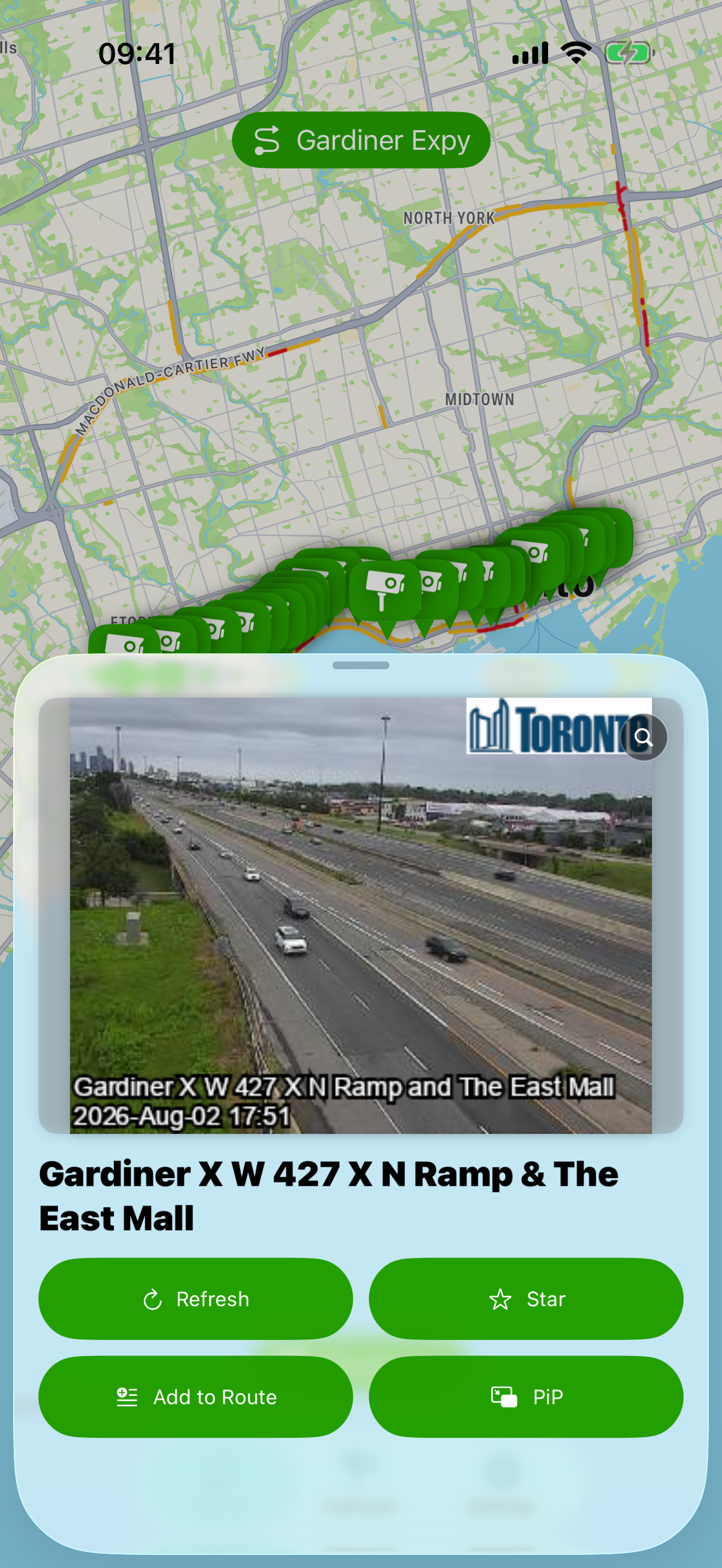
Open camera details from the map to inspect a larger live view before you move.
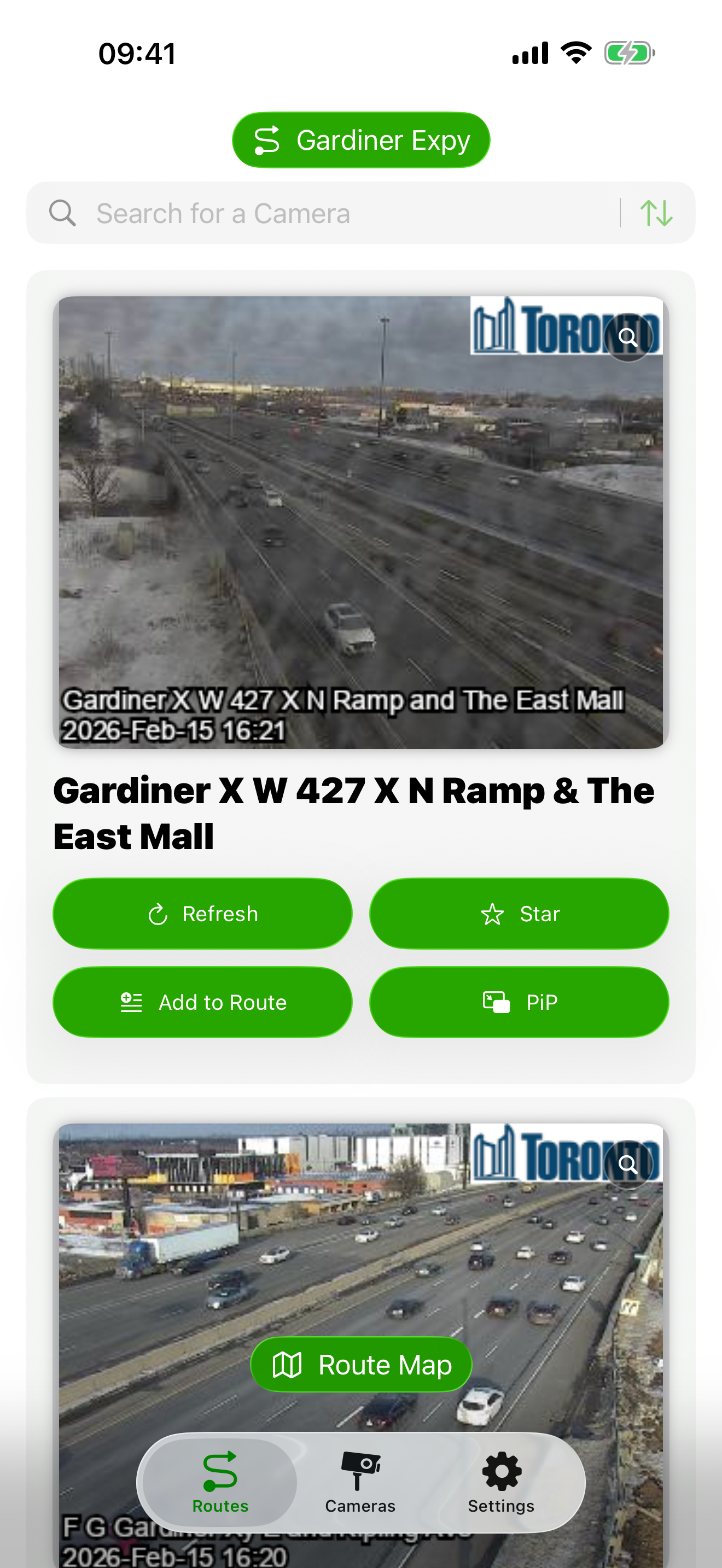
Switch to a compact list to jump quickly between your saved route camera sets.

Create, rename, reorder, and tune route groupings for your daily commute workflow.

Scan live camera markers across key Toronto corridors from one map view.

Open camera details from the map to inspect a larger live view before you move.
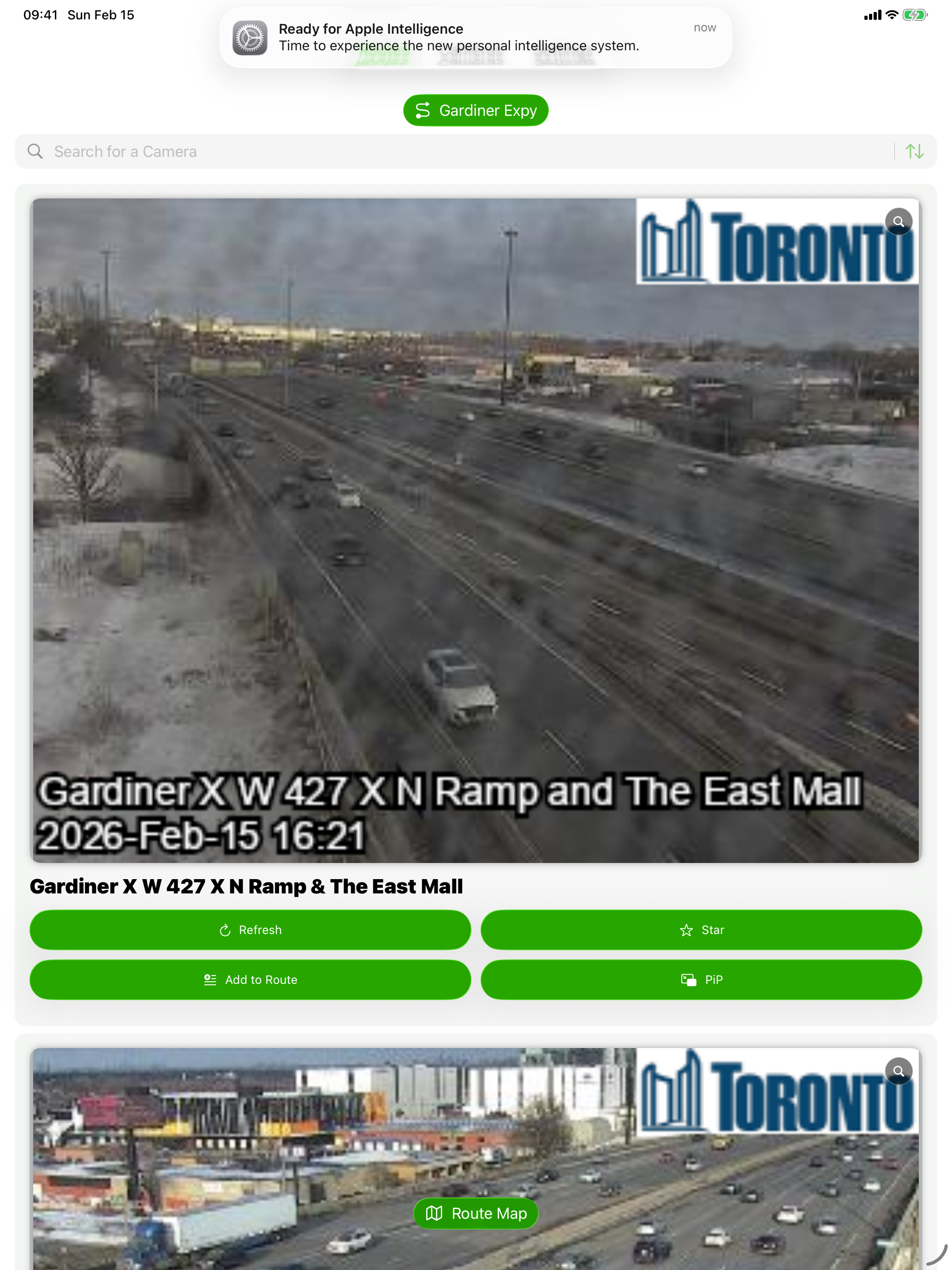
Switch to a compact list to jump quickly between your saved route camera sets.

Create, rename, reorder, and tune route groupings for your daily commute workflow.

Scan live camera markers across key Toronto corridors from one map view.